Ford Pro™ Telematics Drive app
Existing Ford Pro Software customer?
Log in
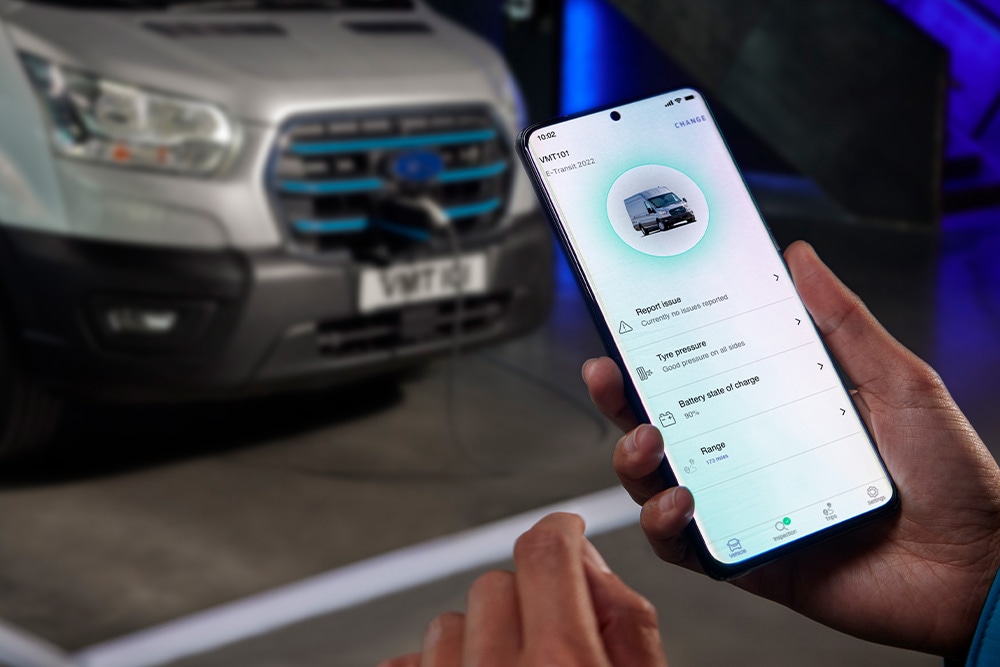
Your fleet at your fingertips
Did you know that Ford Pro™ Telematics has a companion app? The Ford Pro Telematics Drive[disclosure: Ford Pro - Telematics Drive app] app helps fleet managers run operations smoothly with features like live tracking, climate and vehicle controls, notifications, and much more.
Available only with a Ford Pro Telematics subscription


Stay productive on-the-go
A companion for Ford Pro Telematics, we designed the app to help increase fleet operational efficiency.
Visibility
Know where your fleet is in real time with a live map.

Control
Lock/unlock vehicles and turn on/off climate with a push of a button.

Always informed
Keep your fleet road-ready with notifications about vehicle insights.
Key features of the app
Ford Pro Telematics Drive helps enhance business productivity with features for fleet managers and drivers.

Track fleets on a live map
Real-time tracking enables fleet managers to see all vehicles at a glance. With a single tap, you can access every vehicle's status and its precise location.
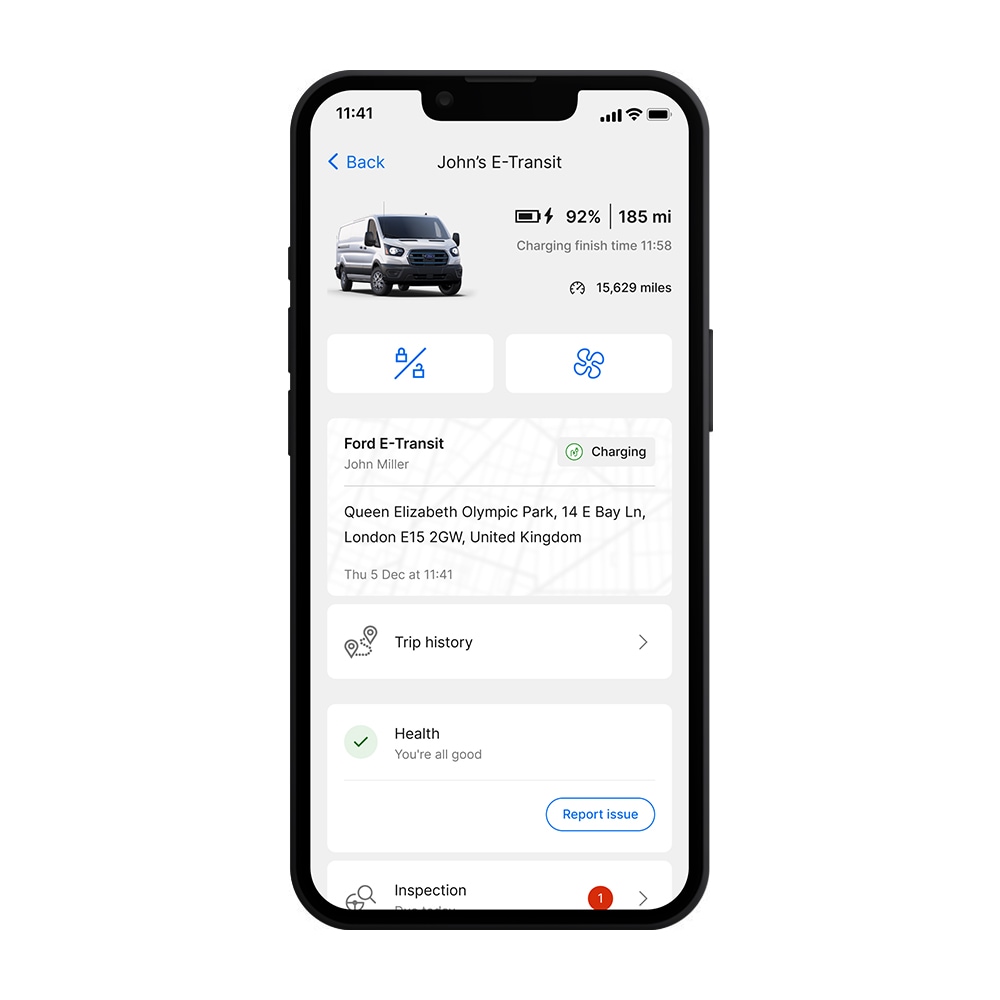
Control vehicles remotely
Fleet managers and drivers can remotely lock/unlock vehicles and switch climate on/off.[disclosure: Ford Pro - Remote Climate] The app helps make sure vehicles are ready for the road.[disclosure: Ford Pro - Range Displayed]
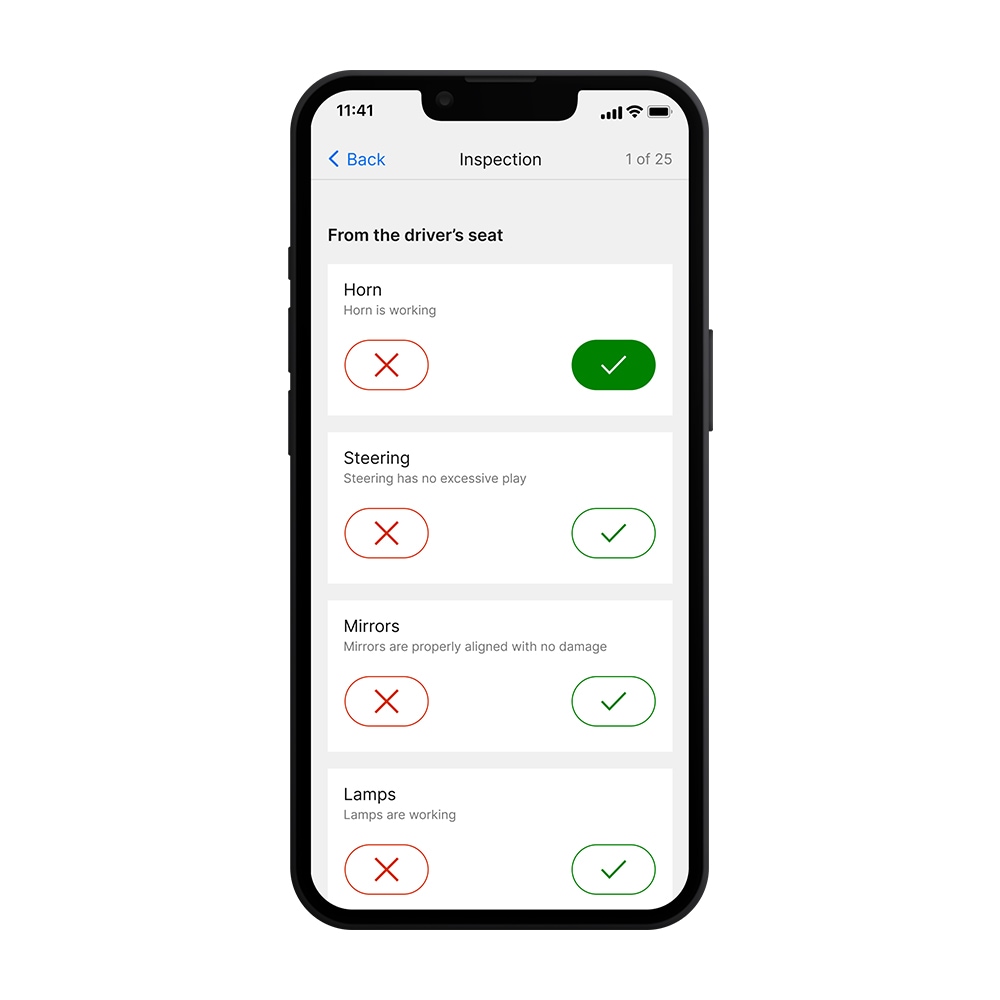
Report issues and act swiftly
Working together to keep vehicles on the road has never been easier. Drivers perform inspections and flag issues, fleet managers get notified immediately so they can take action.
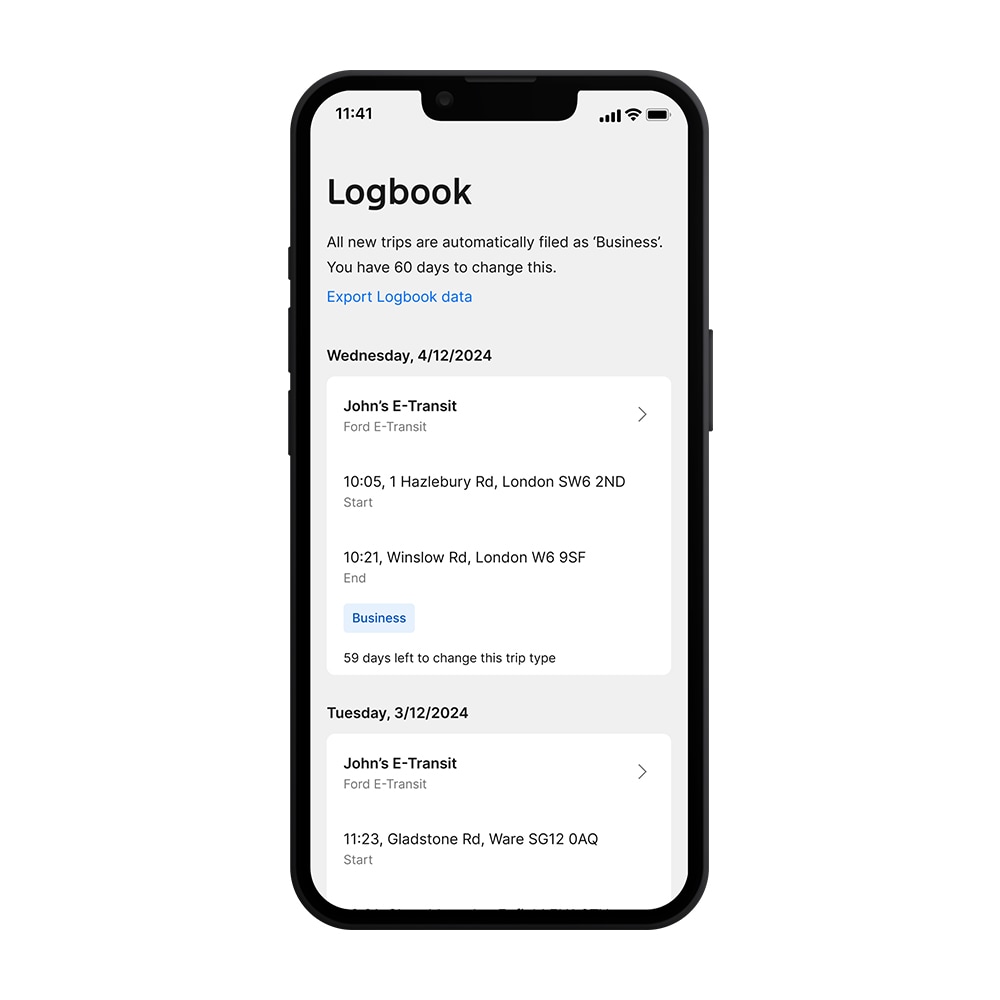
A Logbook to keep records of trips
We made it easy for drivers to keep track of business and private trips which may help with tax and expense reimbursements. In the app you can record trips and export reports for further use.
Feature list
| Fleet Manager | Driver | |
|---|---|---|
| Live Map for all fleet vehicles |  |
 |
| Trip History | |
|
| Remote Lock/Unlock for vehicle | |
|
| Remote Climate Start/Stop for vehicle[disclosure: Ford Pro - Remote Climate] | |
|
| Fleet Health Overview | |
|
| Vehicle Health Alerts | |
|
| Notifications History | |
|
| Live Map for single vehicle | |
|
| Fuel Status/Range/Odometer | |
|
| Report Issue | |
|
| Daily Inspection Checklist | |
|
| Logbook | |
|
| Charge Status[disclosure: Ford Pro - Feature only for BEV] | |
|
| EV Fleet Battery State of Charge & Range Overview[disclosure: Ford Pro - Feature only for BEV] | |
|
Getting started with Ford Pro™ Telematics Drive
Fleet managers can use the app only if they have a Ford Pro Telematics subscription. Drivers need to be invited by their managers via Telematics to be able to create an account.
If you are a Fleet Manager
- Subscribe to Telematics
- Download the app
- Log in with Ford Pro credentials
If you are a Driver
- Fleet manager adds driver to Users in the Ford Pro Admin
- Driver finishes account setup following the link in the email
- Driver downloads the app
- Driver logs into the app
FAQ
How do I give my drivers access to the app?
You can add a driver from the Ford Pro Admin, under Users. You will need to be logged in to do so. Once you add a driver, they’ll be sent an email with a link that will enable them to create an account. After they create the account, you, as a Fleet Manager, will be able to assign them to a vehicle; alternatively, once the account is created, drivers can also self-assign to a vehicle.
What’s the difference between Fleet Manager and Driver access?
A fleet manager can do everything a driver can plus: view the entire fleet on a map, monitor health alerts across all vehicles, manage driver assignments, and access detailed vehicle information like trip history and remote controls. Drivers see only their assigned vehicles and can complete inspections, report issues, and use basic vehicle controls.
Can I use the app if some vehicles in my fleet are not Ford?
Yes, the app works with any vehicle with an embedded modem or equipped with an approved plug-in device (PID or compatible third-party plug-in device). Command and control features are limited to Ford vehicles.
What is the difference between the Ford Pro Telematics Drive app and Ford App?
Ford Pro Telematics Drive is built specifically for commercial fleets with features like inspection checklists, fleet-wide vehicle monitoring, and driver management. While Ford App focuses on personal vehicle ownership, this app enables comprehensive fleet operations while on the go.
Can I use the app if I don't have a Ford Pro Telematics subscription?
Yes, with some limitations.
Ford Pro Telematics Drive is a companion app for Ford Pro Telematics (FT), so it can only be used in conjunction with one of the two versions of Telematics: a paid version (Ford Pro Telematics or FT) or a complimentary free basic version (Ford Pro Telematics Essentials[disclosure: Ford Pro - Telematics Essentials Description] or FTE). If your vehicles are subscribed to FTE, you, as a fleet manager, will be able to use the app with some limitations, e.g. you won’t have access to the live Map and you won’t be able to invite drivers to use it nor will they have access to it. The full list of features of the app, including the ones for drivers, is available for vehicles subscribed to FT.
Want to know more?
Do you have questions? We're here for you. Talk to one of our experts and find out more.
More Ford Pro™ to explore
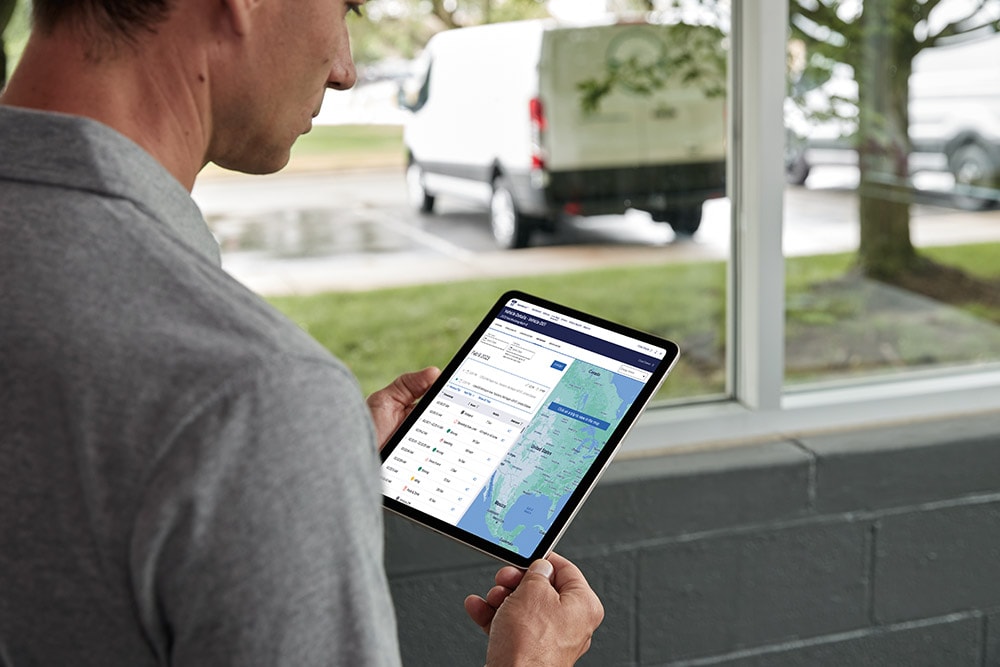
Ford Pro™ Telematics[disclosure: Ford Pro - Telematics Essentials Description]
A snapshot into your fleet on a single dashboard plus features like GPS tracking, geofencing, reporting and more.