Plug-in devices

Connect the vehicles in your fleet
For vehicles that don't have a built-in or compatible modem, a plug-in device can get them connected to Ford Pro Software tools like Telematics. Unlock new insights with this data that can help you optimise your business and maximise uptime for your vehicles.
Discover new vehicle insights
Extend the power of Ford Pro Software solutions to your entire fleet with an easy-to-install plug-in device.
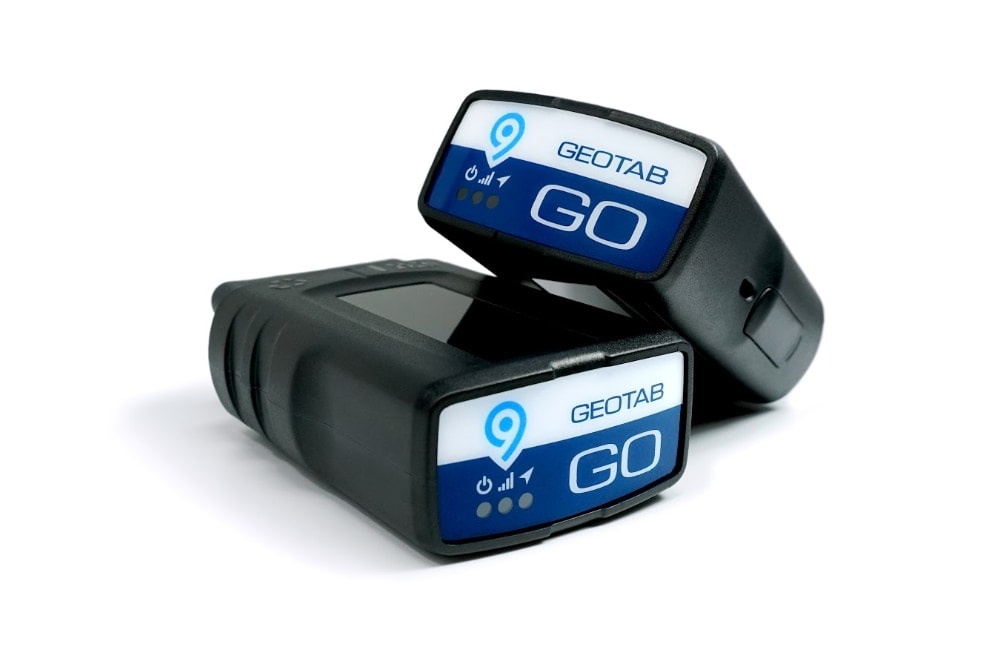
Compatible with almost any vehicle
The Geotab GO 9 connects directly into your vehicle’s OBD II port or with an adapter if necessary. That enables older vehicles, or those from other makes without a compatible modem, to transmit vehicle data back to Ford Pro Software.

Unlock vehicle insights in Ford Pro Telematics
Monitor your vehicles Mileage, Speed, including Speed Vs Posted Limits and GPS position in real time to help manage your fleet of vehicles with Ford ProTM Telematics.

We'll help you get set up and connected
Our Sales team can help you with pricing information and then ordering a plug-in device. Once you have your device in-hand, connect it to your vehicle, which will automatically add it to your Ford Pro account.
Check your vehicle's plug-in device compatibility
See if your vehicle is ready to be equipped with a plug-in device and what data is available to send to Ford Pro Telematics.
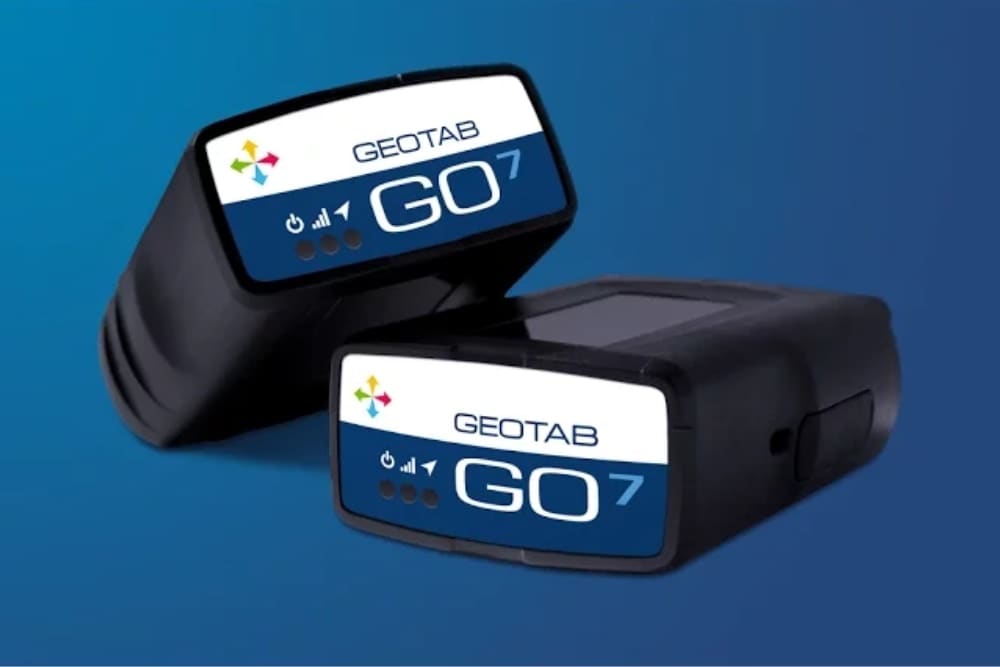
Get started with your plug-in device
The first step is to connect the device to your vehicle's OBD II port, usually found under the dashboard. That should be the end of the heavy-lifting on your part.
The PID was automatically attached to your Ford Pro account when it was ordered and your vehicle should appear in Ford Pro within about 3 trips of at least 2 km each.
If you have any questions, please contact us at: softwaresolutions@fordpro.com
FAQs
Which vehicles require a Plug‑In Device?
Any non‑Ford vehicle or older Ford vehicles without an embedded modem that wish to connect to Ford Pro Telematics.
What signals are available using a PID?
The signals available will vary depending on the vehicle, and the capability checker tool above can help you understand what signals would be available for your vehicles. Some signals that may be available could include fuel level, position, ignition status, odometer, speed, speed over threshold and posted limit, engine idle, trip mileage, harsh acceleration, harsh braking and privacy settings.
Can I move PIDs between different vehicles?
Due to the way in which a PID is associated with a particular vehicle during the setup process, we would not recommend swapping a PID between vehicles. However, if this is required, please contact our team at softwaresolutions@fordpro.com and they can support you during this process.
Where would PID vehicles appear in my Ford Pro Telematics account?
Any vehicles connected via a PID will appear in your account alongside any of your Ford connected vehicles with data presented in exactly the same way (where available).
Do I need to enrol my vehicle to a product within my Ford Pro Marketplace account?
No, when the PID is ordered it is associated to your account so that when it arrives, you simply connect it to a vehicle in your fleet and it will auto‑enrol. You should start to see data after approx. 3 journeys of 2kms each.
Do I need to do anything in Geotab software?
No, the instructions in the box will ask you to the register the device to verify the install via installmygps.com, however, this is not necessary for Ford Pro customers. This enrolment step happens automatically once the device is connected to the vehicle.